You Will Need
* Cricut Machine
* Cricut LightGrip Cutting Mat
* Cricut Basic Tools
* Cricut Smart Paper Sticker Cardstock
* Inkjet Printer
* Cricut Design Space app installed on a laptop, PC, Tablet or mobile device

Cricut: 6 Ways to Make Stickers
Level
Time
Budget
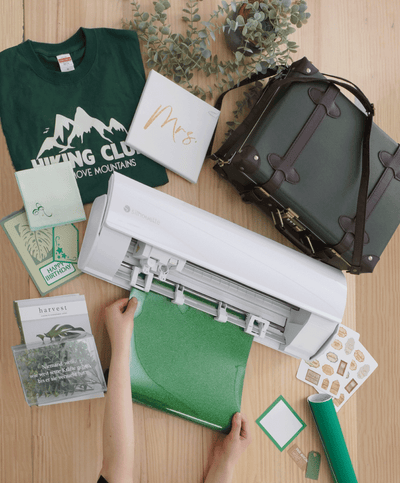
There's no end to the projects these stickers can be used on – from envelope seals and gift tag embellishments to decorating planners or notebooks! The possibilities are endless. Making stickers with Cricut is easy and fun, with incredible results.
Learn how to use your Cricut Maker and Explore to create stickers for every project.
Please Note
Sticker sheet download is strictly for personal use only. Screen grab references images are taken from the desktop version of Design Space.
You Will Need
How To Make
Projects For You
Discover more creative ideas

Cricut: 5 Ways to Make Paper Flowers

Cricut: How to Make Decorative Boxes for Ramadan

Cricut: How to Make Coordinating Iron-On Vinyl Clothing

Cricut: How to Make Storage Jar Labels

Cricut: How to Make Paper and Vinyl Wall Art

Cricut: How to Make Cute Pots with Vinyl Scraps

Cricut: How to Make a Congratulations Card

Cricut: How to Make a Baby Milestone Banner

Cricut: How to Make a Personalised Letter Mug

Cricut: How to Make a Paper Flower Spring Wreath

Cricut: How to Personalise a Tote Bag with Iron-On