Cricut: How to Make a Personalised Letter Mug
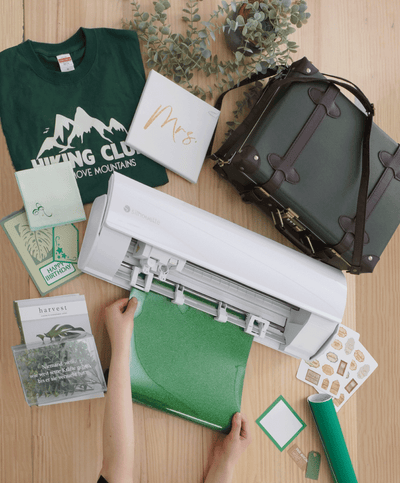
Creating personalised mugs and glasses has never been easier thanks to Cricut's digital cutting machines. There are thousands of images and fonts to choose from in the Design Space app, and you can even upload something you've designed.
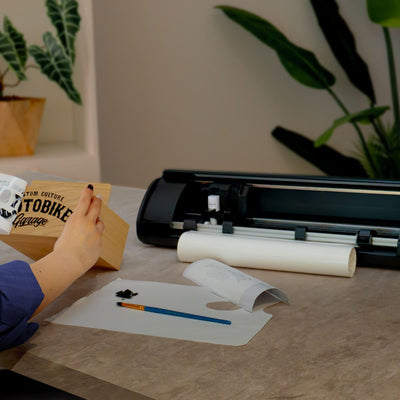
For this gold initial mug, we've used a super-simple vinyl layering technique that creates an eye-catching design in under 15 minutes. The project requires permanent adhesive vinyl to withstand the rough and tumble of everyday life in the kitchen, particularly when it comes to hand-washing your mug after use.
You Will Need


How To Make
You Will Need
* Cricut Machine
* Cricut Basic Tools
* Cricut StandardGrip Cutting Mat
* Mug Blank
* Permanent Vinyl
* Cricut Design Space app installed on a laptop, PC, Tablet or mobile device
Projects For You
Discover more creative ideas